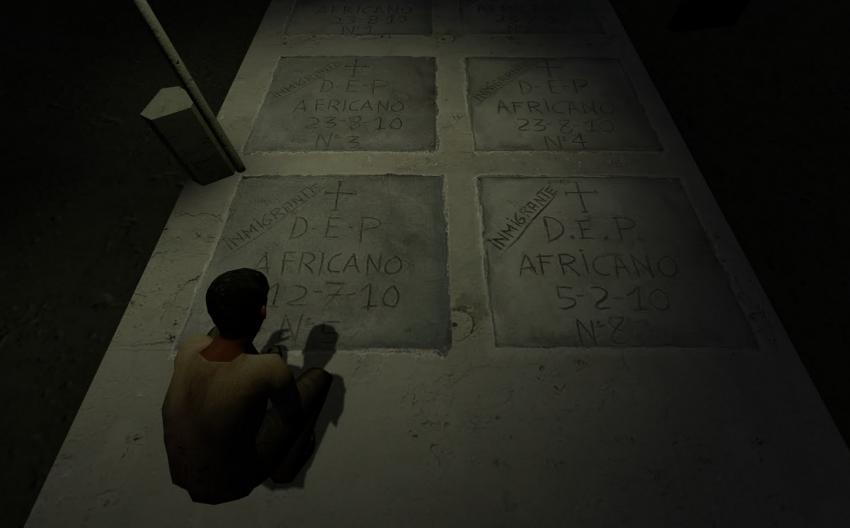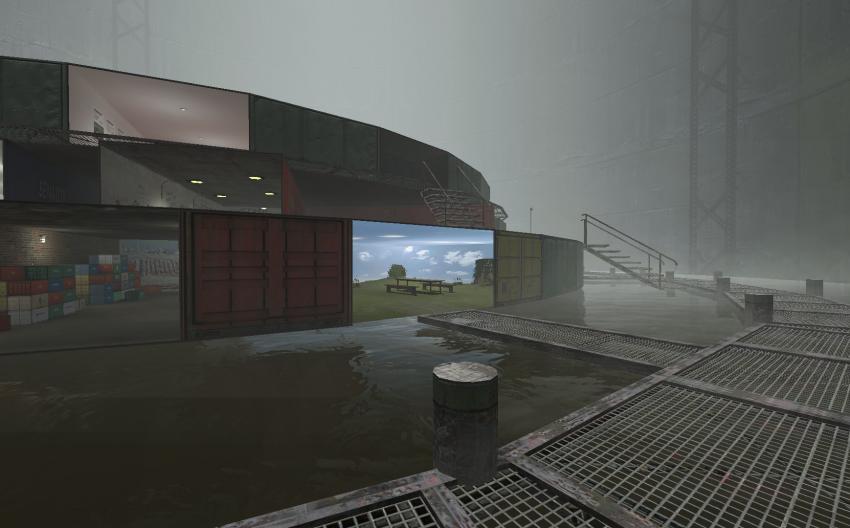
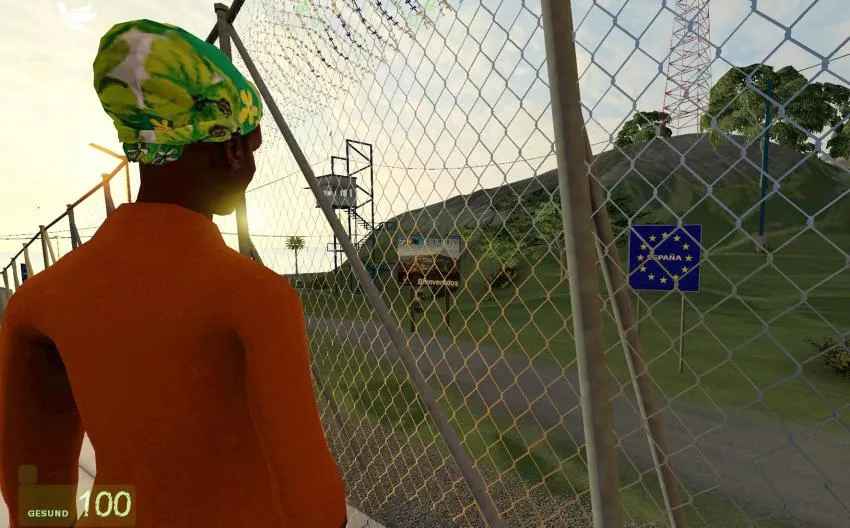
Frontiers
Credits: gold extra
More Info:
https://goldextra.com/de/frontiers
How to install Frontiers?
In case you're experiencing troubles installing FRONTIERS, here's a lil' help from your friends.
System Requirements:
PC (Sorry, Mac-Users!)
CPU: Pentium 4 or Athlon Pro
Speed: 1.5 GHz min, 2GHz recommended.
Video Card: DirectX 9.0 ready, GeForce 6000 or higher recommended
Sound Card
Free Disk Space: Minimal: 5GB; Recommended: 15 GB
Internet Connection
The New Installer should take care of everything, but in case it doesnt:
If you dont have a Steam Account already, proceed to point 2. If you have one, you may skip to point 5.)
1. Download Steam , install it and register an account.
2. Start Steam and log in.
3. Download Frontiers Below and complete Installer. (Ignore Smartscreen windows warnings)
4. Wait until The Source SDK is completely installed in Steam.
5. Play it (Note that its a Multiplayer that you can only play with several playrs, and you need to be in the same LAN (Local Network) Meaning, to the same Router. Yes, well, its a 2008 Game :)
https://frontiers-game.blogspot.com/2011/09/how-to-install-frontiers.html